Sign in
Mobile number
+91 98xxx xxx21
Text me a code
Your number is never shown to other guests.
A code by SMS. Nothing to install.
For everyone who was there
Sign in to Photogram. Scan the QR at the event. All your photos are here in seconds.
AI does the filtering and the sorting, and hands you every photo in seconds.
Free. No app to install.
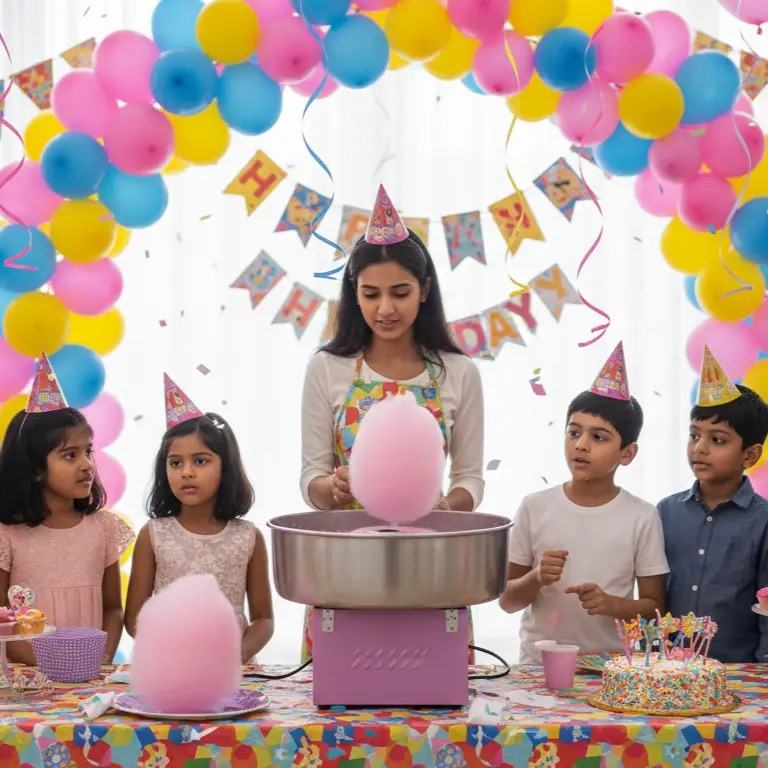


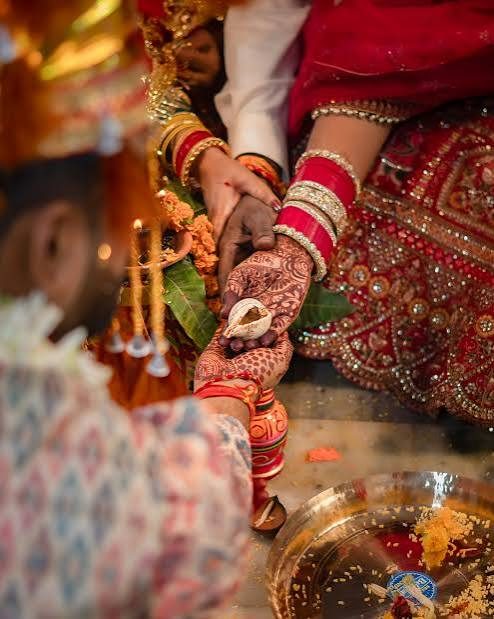



A wedding, today. The years go by. Every event, still listed. The photos you’re in. And everyone else’s.
How it works
The guest’s side of it, screen by screen — scroll across →
A code by SMS. Nothing to install.
Fifteen seconds, once. Never again.
Meera & Sam
Aadi turns six
Office day out
Nikhil’s haldiEvery event you have been to, in one list.
61 of them. You are in 24.
You, you with people, candids, the whole album.
Saved to your phone
One tap. Full size, straight to your phone.
Share photo…
Save to your phone
Send this event’s link
Straight to WhatsApp or Instagram — with the studio’s mark on it.
The host approves them before anyone sees them.
Your phone shots join the album — once the host approves.
And the everyday part
Yours go in too, if the host allows it.
Nobody chases the photographer again.
Nothing to download or remember.
For you, for every guest, for the studio.
Why it matters later
You’ll have the real ones. Your events don’t expire.
Not only weddings
For photographers and studios
Your own login, your own events, a code to hand over.
Nothing — for guests, and for the studio shooting the event.
No. It opens in the browser you already have. You can add it to your home screen if you want it there.
Your events don’t expire — that is the whole point of them being here. The set of numbers taken from your face is a separate thing, and that is deleted automatically twelve months after you scan. Scanning again takes fifteen seconds.
The people who shot the event, and whoever they choose to open it to. You can delete your face data, or your whole account, from your profile at any time.
Yes, when the host switches it on for their event. They approve what gets added before anyone else sees it.